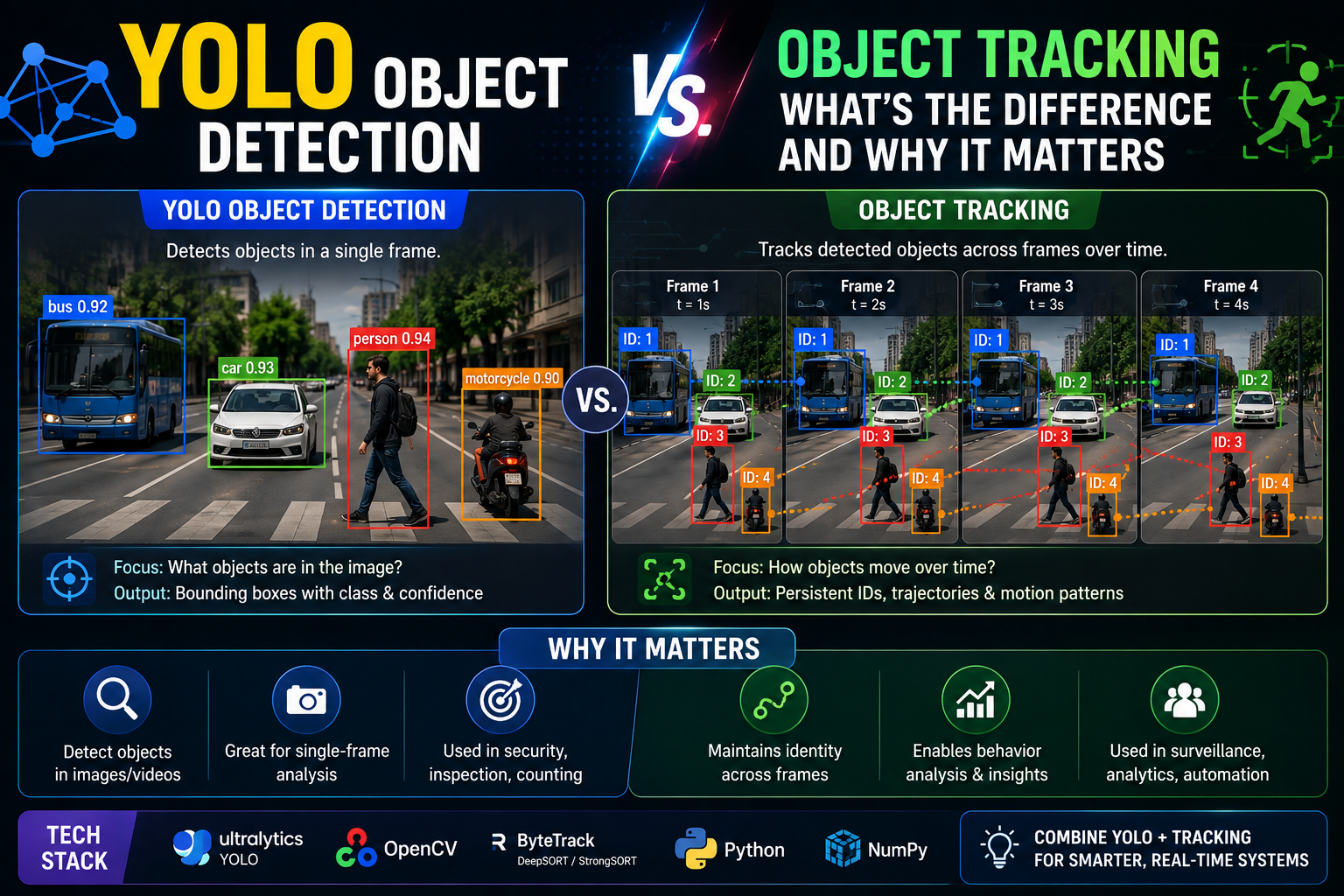
Your phone unlocks by recognizing your face. A self-driving car swerves to avoid a pedestrian who just stepped off the curb. A security camera flags someone loitering near a back entrance for ten minutes straight. All three rely on computer vision — but they don’t rely on the same technique. The first is detection. The second needs detection and tracking working together. The third is almost entirely about tracking.
If you’ve been using “YOLO” and “object tracking” as if they’re interchangeable, they’re not — and understanding the difference is genuinely useful, whether you’re building a computer vision project or just trying to understand what’s happening inside the smart devices around you. Here’s a clear breakdown of both, how they work together, and how to know which one your project actually needs.
What Is YOLO Object Detection?
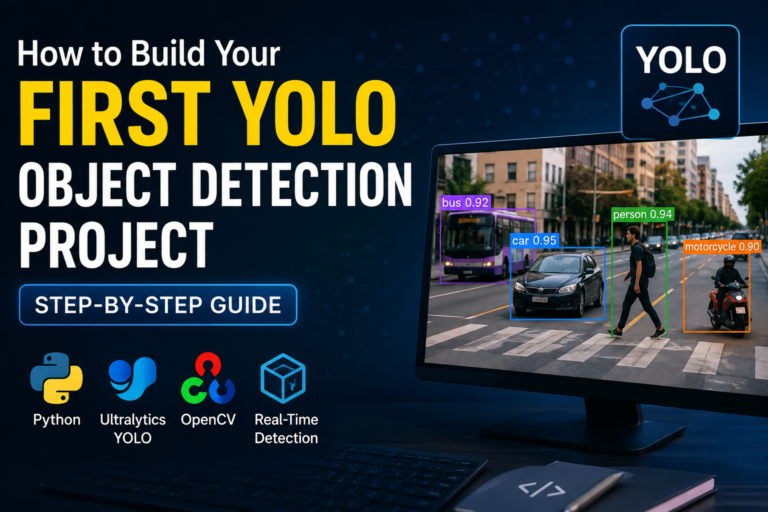
YOLO — short for “You Only Look Once” — is an object detection algorithm that identifies and locates objects within a single image or video frame. Instead of scanning an image in multiple stages the way older detection methods do, YOLO treats the entire process as one problem: it looks at the whole image a single time and simultaneously predicts what objects are present and where they’re located.
How YOLO Actually Works
YOLO divides an incoming image into a grid, and each cell in that grid predicts bounding boxes along with a probability for what class of object might be inside them. Because the whole image is processed in one pass rather than through repeated scans, YOLO is dramatically faster than earlier detection approaches — fast enough to run in real time on live video, which is precisely why it became so popular for practical applications.
What Makes YOLO Stand Out
A few qualities explain YOLO’s popularity: it’s fast enough for real-time use, capable of detecting multiple objects in a single frame simultaneously, and it strikes an unusually good balance between speed and accuracy compared to older two-stage detectors. It’s also relatively straightforward to train on custom datasets, which is part of why it’s become a go-to choice well beyond its original research context.
Where YOLO Gets Used
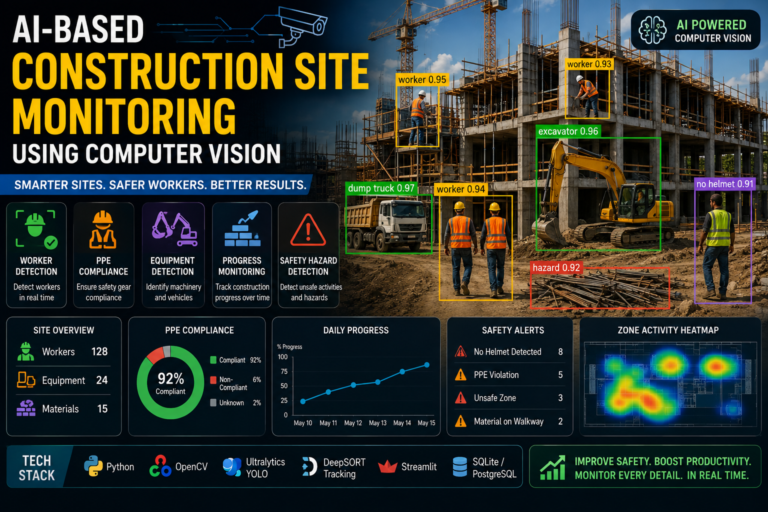
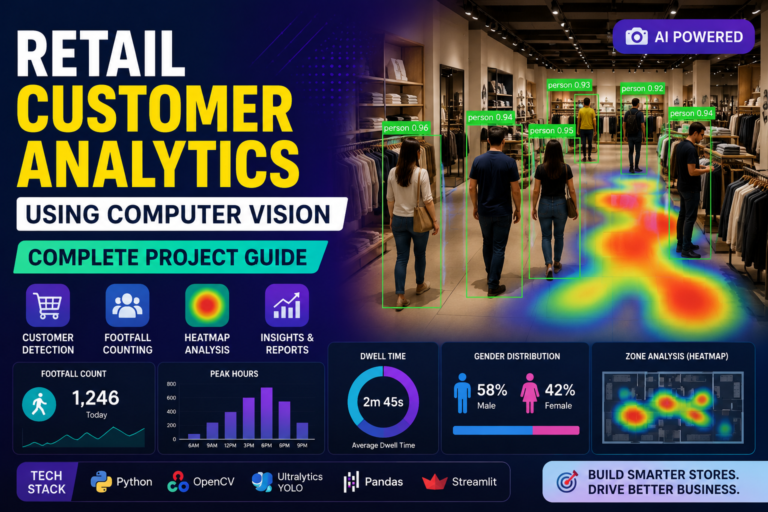
You’ll find YOLO powering security systems that flag intruders, self-driving car perception systems identifying pedestrians and other vehicles, retail analytics tools studying customer behavior, and robotics or drone systems that need to recognize objects in their environment on the fly. Anywhere an application needs to know “what’s in this frame, right now,” YOLO is a natural fit.
What Is Object Tracking?
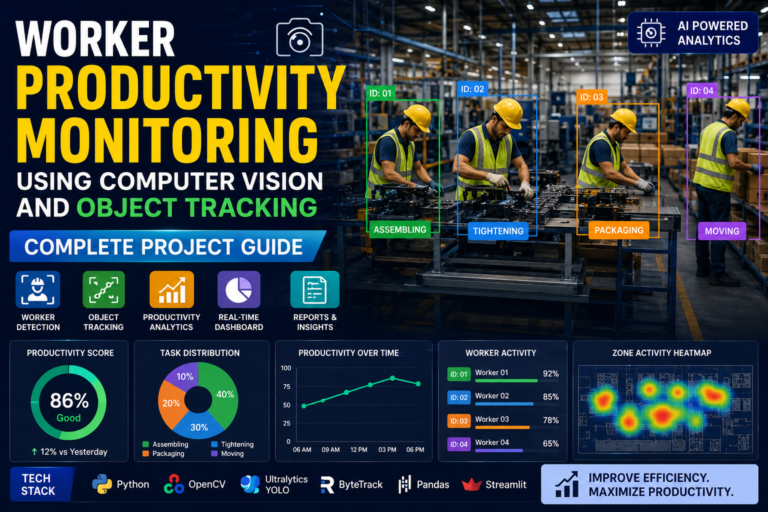
Object tracking solves a different problem entirely. Rather than asking “what objects are in this image,” tracking asks “where did this specific object go across a sequence of frames?” It starts by identifying an object — often with help from a detector like YOLO — and then follows that same object as the video continues, frame after frame.
This distinction matters: detection works on a single image in isolation, while tracking is fundamentally about video, because it needs a sequence of frames to understand movement over time.
Tracking Approaches
Tracking generally falls into two categories. Online tracking updates an object’s position in real time, frame by frame, as new video comes in — useful when decisions need to happen immediately. Offline tracking processes an entire video after the fact, which allows for more accurate results since the algorithm can use information from both earlier and later frames rather than only what came before.
Trackers themselves also vary in approach. Some rely on features like color, shape, or texture to recognize the same object across frames. Others lean on motion prediction, estimating where an object is likely to appear next based on its trajectory. Many practical systems combine both approaches for better reliability.
Categories of Trackers
Broadly, trackers are either generative — building an internal model of what the object looks like and comparing each new frame against it — or discriminative — treating the problem as a classification task, essentially learning to tell “this object” apart from everything else in the background. Common tracking algorithms include Kalman filters, meanshift-based methods, and increasingly, deep learning-based trackers.
Where Tracking Gets Used
Object tracking shows up anywhere movement over time matters: security systems following a person or vehicle to spot unusual behavior, sports analytics tracking players and the ball throughout a match, self-driving cars maintaining awareness of surrounding vehicles as they move, robots interacting safely with people or objects in motion, and even video editing tools that apply effects to a moving subject throughout a clip.
The Core Differences, Side by Side
| Object Detection (YOLO) | Object Tracking | |
|---|---|---|
| Core question | What’s in this frame? | Where did this object go? |
| Input | Single image or frame | Sequence of video frames |
| Output | Bounding boxes + class labels | Consistent object identity over time |
| Typical metrics | Precision, recall, mAP | Tracking accuracy, ID switches |
| Dependency | Works standalone | Often depends on a detector to start |
Purpose and Function
Detection answers a snapshot question — what objects exist in this single image, and where. Tracking answers a continuity question — given that an object was identified, where does it go next, and does it remain the same object across the entire sequence.
How They Process Data
YOLO scans each frame independently, using a trained neural network to recognize patterns and shapes that correspond to known object classes. Tracking algorithms, in contrast, link objects across consecutive frames using their position, size, and appearance — and in most practical systems, tracking actually depends on a detector like YOLO to first locate the object before the tracker takes over following it.
How Performance Gets Measured
Detection quality is judged by how accurately and completely a model finds the correct objects, typically using metrics like precision, recall, and mean average precision (mAP). Tracking quality is judged differently — how consistently the system maintains an object’s identity over time, with “ID switches” (the tracker mistakenly swapping which object is which) being a key metric to minimize.
How YOLO and Tracking Work Together
In most real-world systems, detection and tracking aren’t competitors — they’re a pipeline. YOLO handles the “what and where” for each individual frame, and a tracking algorithm handles the “is this the same object as before” across the full video sequence.
The Detection-Tracking Pipeline
The typical flow looks like this: YOLO detects objects in each incoming frame, drawing a bounding box and assigning a class label to each one. The tracking system then takes those detections, assigns a unique ID to each object, and predicts where that object is likely to appear in the next frame. As new frames arrive, the tracker matches new detections against its existing tracked objects, maintaining consistent identities frame after frame.
Common Challenges in This Pipeline
Occlusion is one of the biggest headaches — when an object is temporarily blocked from view or overlaps with another object, YOLO may fail to detect it, and the tracker can lose or confuse its identity as a result. The typical fix combines motion prediction (estimating where the object should be even without a fresh detection) with more sophisticated tracking algorithms like SORT or Deep SORT, which use both appearance and motion data to stay locked onto the right object even through brief occlusions.
Speed is the other major tradeoff. YOLO alone is fast, but adding a tracking layer on top introduces additional computation, which can strain real-time performance if not optimized carefully. Efficient implementations and streamlined code become important once you’re running full detection-and-tracking pipelines rather than detection alone.
Real-World Examples of the Combo
Traffic monitoring systems use YOLO to detect vehicles and tracking to follow their paths, enabling congestion monitoring and automatic accident detection. Retail stores combine both to understand not just how many customers are present, but how they move through a store over time. Robots use the same combination to track and follow a specific person or object safely as it moves through a shared space.
So Which One Does Your Project Actually Need?
Start With Your Core Task
If your goal is simply identifying or counting objects in images — how many cars in a parking lot photo, what products are on a shelf — detection alone is likely sufficient. If your goal involves understanding movement or behavior over time — how long someone lingered in an area, the trajectory a vehicle took — you need tracking, and tracking usually needs detection to feed it.
Weigh Speed Against Accuracy
Detection alone can be highly accurate but comes with a computational cost on every single frame. Tracking, once an object is locked on, is often faster because it’s predicting rather than fully re-detecting — though it can lose accuracy if an object moves erratically or changes appearance quickly. Your application’s real-time requirements should guide this tradeoff.
Consider Your Hardware
Detection, especially with larger, more accurate models, tends to demand more computing power and memory. Tracking can often run on lighter hardware once detections are available. If you’re deploying to constrained hardware like an edge device or embedded system, this is worth factoring into your architecture decision early rather than after you’ve built the whole pipeline.
Final Thoughts
The simplest way to remember the distinction: detection tells you what’s there, tracking tells you where it’s going. YOLO excels at the first job — fast, accurate object identification frame by frame — while dedicated tracking algorithms handle the second, maintaining an object’s identity as it moves through a video over time. Most serious computer vision applications, from traffic monitoring to robotics, don’t choose one over the other — they combine both into a single pipeline, using YOLO to spot objects and a tracker to follow them.
Understanding which piece of the puzzle you actually need — detection, tracking, or both — is the first real step toward building a computer vision project that does what you actually want it to do, rather than more (or less) than necessary.